Shopping Cart

Guide to Understanding Laptop Specifications | PC Plugged

Oct 25, 2025 / By Pc Plugged / in

Understanding Laptop Specifications- A Beginner’s Guide
 

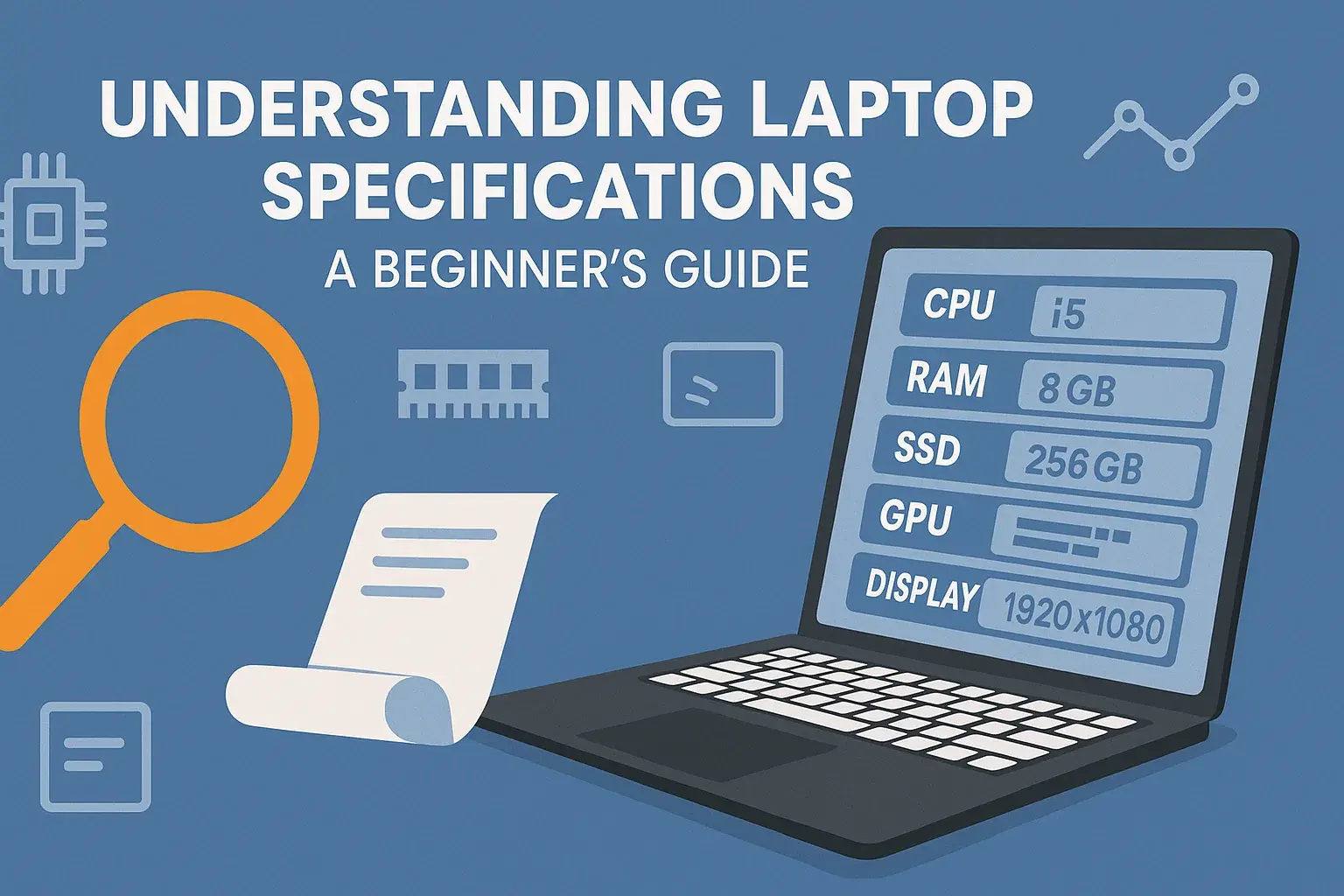
Choosing the right laptop can feel overwhelming, especially when technical specifications dominate the product listing. Terms like RAM, SSD, processor generation, or graphics card may sound confusing, but each plays a crucial role in determining how a laptop performs for your needs. Whether you’re a student, professional, or casual user, understanding these specs helps you make confident, value-driven decisions — especially when buying refurbished laptops in India from trusted marketplaces like PC Plugged.  

Why Laptop Specifications Matter  

Laptop specifications define how efficiently your device performs everyday tasks — from booting up your system to handling multitasking, gaming, or creative work. Knowing what each component does ensures you don’t overpay for unnecessary power or underspend on features you need.  

Common buyer challenges:  

  • Getting confused by brand jargon
  • Overlooking upgrade options (like SSD vs HDD)
  • Underestimating RAM requirements
  • Misjudging use-case-based performance  

Key Laptop Specifications Explained  

1. Processor (CPU)  

The processor is your laptop’s brain. A stronger CPU means smoother multitasking and faster performance.  

  • Intel Core i3/i5/i7 or AMD Ryzen 3/5/7 are common tiers.
  • Core i3 – Best for basic tasks like web browsing and Word processing.
  • Core i5 – Great for programming, design work, and moderate gaming.
  • Core i7 or Ryzen 7 – Ideal for heavy workloads, editing, or multitasking.  

Recommended Pick: For balanced performance at a budget, consider a Core i5refurbished laptopwith SSD storage.  

2. Memory (RAM)  

RAM determines how many applications your laptop can handle simultaneously.  

  • 4GB RAM – Suitable for lightweight users.
  • 8GB RAM – Smooth multitasking and professional workflow.
  • 16GB+ – Best for designers, coders, and gamers.  

Tip: Choose DDR4 RAM for better speed and energy efficiency.  

3. Storage (SSD vs HDD)  

Storage affects boot time and data speed.  

  • HDD (Hard Disk Drive): Offers more space at lower cost but slower performance.
  • SSD (Solid State Drive): Runs faster, cooler, and more efficiently.  

For most users, a 256GB or 512GB SSD refurbished laptop offers the ideal speed-space balance.  

4. Display  

Display quality defines how your laptop feels to use — sharpness, brightness, and color accuracy matter.  

  • Resolution: Full HD (1920x1080) is the minimum for crisp visuals.
  • Size: 14–15.6 inches is ideal for portability and productivity.
  • Panel Type: IPS displays offer better viewing angles.  

5. Graphics (GPU)  

If you design, edit videos, or game, the GPU matters.  

  • Integrated Graphics: Suitable for routine use.
  • Dedicated GPU (NVIDIA, AMD): Required for graphic-heavy work.  

Opt for a used laptop with integrated graphics unless you handle media-rich workloads.  

6. Battery Life  

Battery life depends on usage, configuration, and display settings.    
Look for 6–10 hours of backup to support work or college schedules.  

7. Operating System  

Most refurbished systems come pre-installed with Windows 10 or 11, ensuring reliability and familiarity.  

Understanding Refurbished Laptop Value  

Refurbished laptops undergo professional testing, data wiping, and quality checks before resale. They provide excellent value, especially when sourced from trusted sellers offering warranties like PC Plugged.  

Key benefits:  

  • Save up to 50% vs new models
  • Certified quality and genuine parts
  • Extended warranty options
  • Eco-friendly and sustainable choice  

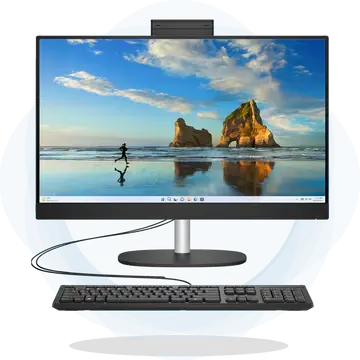
Explore options like:  

How to Choose Based on Usage  

User Type  

Recommended Specs  

Ideal Choice  

Students  

i3/i5, 8GB RAM, 256GB SSD  

Affordable   

Laptops Under 30000  

Office Professionals  

i5, 8GB–16GB RAM, SSD  

Refurbished Laptops  

Designers / Developers  

i7/Ryzen 7, Dedicated GPU  

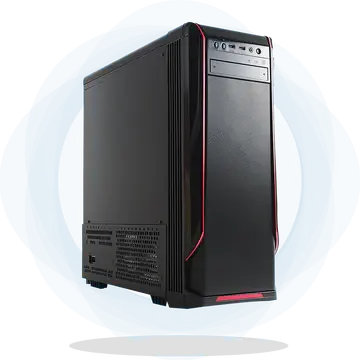
Refurbished Towers / Workstations  

Travelers / Remote Workers  

Lightweight, SSD, 8+ hr battery  

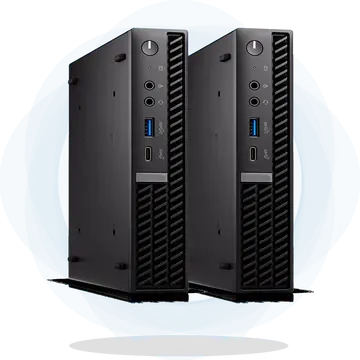
Refurbished Mini PCs  

Conclusion  


Understanding laptop specifications is the first step toward finding the right device for your needs. By balancing performance, price, and reliability, you can make a smart investment — especially with refurbished laptops that deliver new-like performance at a fraction of the cost.  

Explore high-quality Refurbished Laptopswith warranty and trusted certification at PC Plugged today.  

FAQs About Laptop Specifications  

Q1. What are the most important laptop specifications to consider?    
Processor, RAM, and storage are the top three specs that directly affect performance.  

Q2. How much RAM is enough for everyday use?    
8GB RAM is ideal for multitasking and daily productivity tasks.  

Q3. Is an SSD worth the investment?    
Yes. It dramatically speeds up boot and load times, even on refurbished systems.  

Q4. Can refurbished laptops handle heavy tasks?    
Certified refurbished laptops with i5 or i7 processors and SSD can run power-intensive applications smoothly.  

Q5. Are refurbished laptops safe to buy?    
Absolutely — if purchased from reputable platforms like PC Plugged that provide warranty and testing assurance.  


WhatsApp